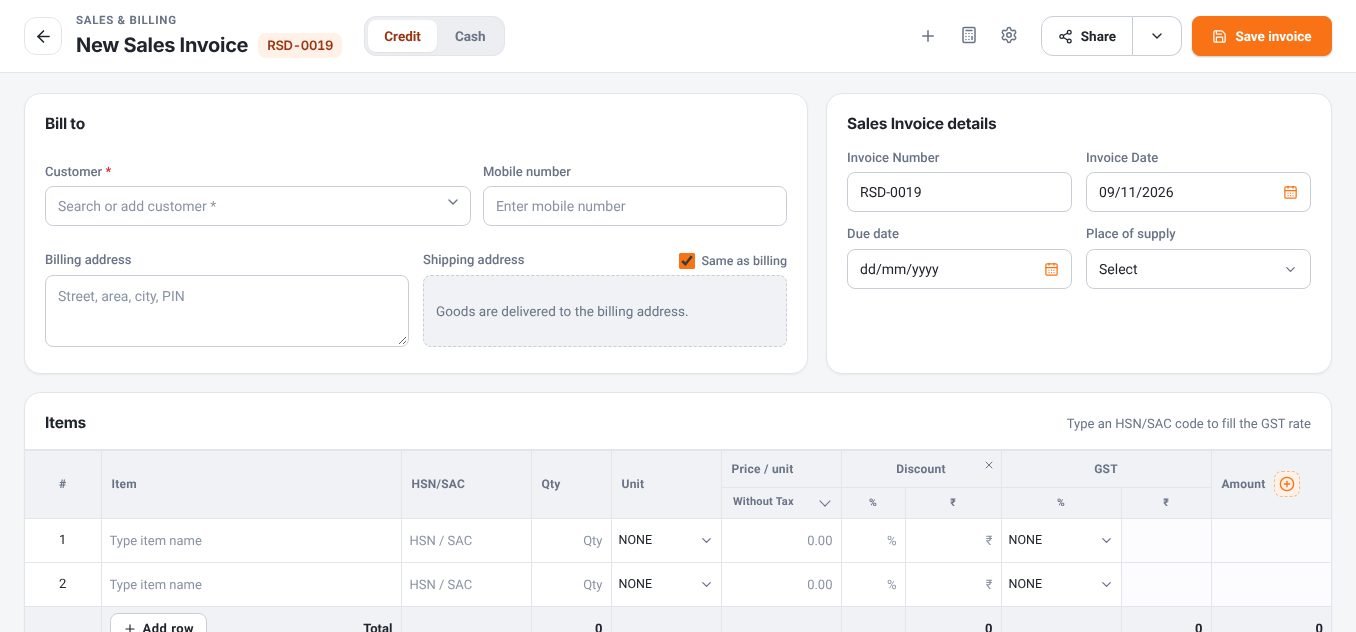
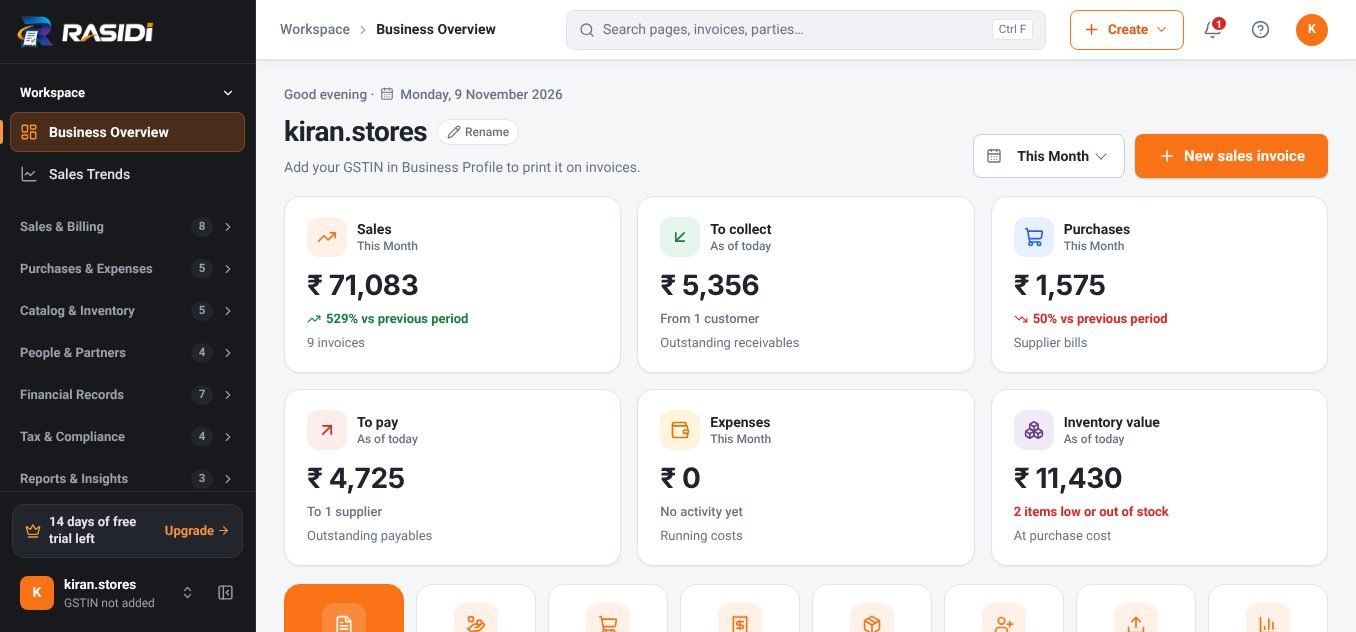
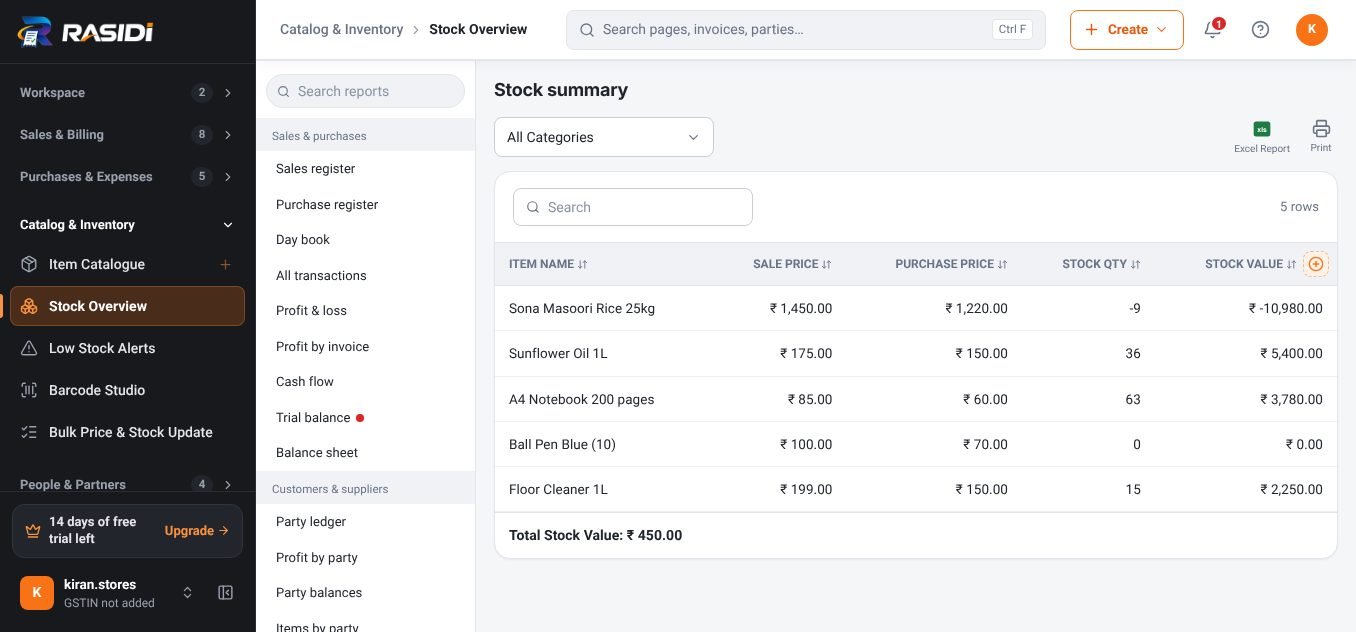
Billing for pharmacies and medical stores.
Batch numbers, expiry dates and MRP on every item, fast billing at the counter and clean GST records for your accountant.
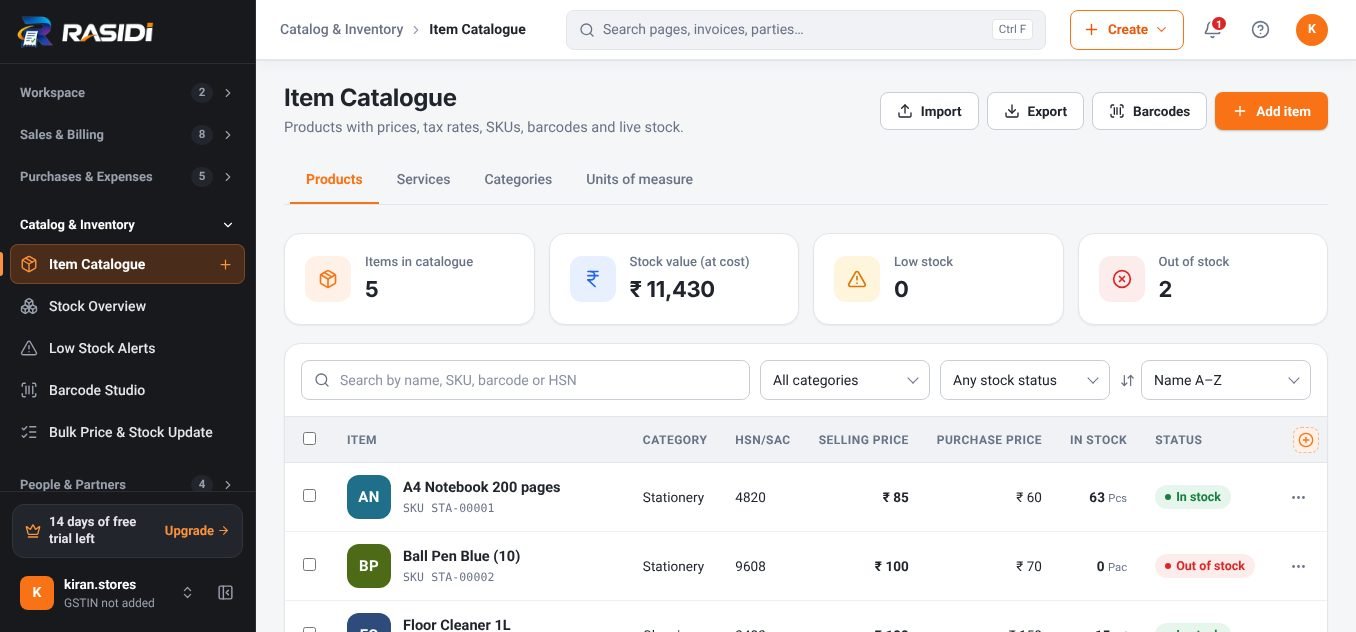
What changes when you switch.
Expired stock found too late.
Batch and expiry dates on items, visible while billing and in stock reports.
Finding the right medicine slows down billing.
Search by name, composition text or code, or scan the barcode.
Supplier bills pile up unchecked.
Purchase bills update stock and input tax as you enter them.
GST rates differ across products.
HSN-based GST rate suggestions on every line.
Features pharmacies & medical stores use every day.
Batch, expiry, MRP
Turn on the fields you need in item settings.
Quick search
Find items by name, code or custom field.
Tax invoices
Doctor/patient details in custom fields if you need them.
Purchase entries
Supplier bills with batch details update stock.
Low-stock alerts
Reorder fast-moving medicines on time.
GST reports
HSN and tax summaries for filing.
Running in an afternoon.
- 01
Sign up free
Create your account with your email, no card needed.
- 02
Add your items
Import from Excel, scan barcodes or use the product library.
- 03
Set your bill format
Logo, GSTIN, terms and a template that suits your business.
- 04
Start billing
Bill, share on WhatsApp and watch the reports fill in.
Questions, answered.
Is RASIDI suitable for pharmacies & medical stores?
Yes. Pharmacies & Medical Stores use RASIDI for billing, stock, payments and reports. Turn on only the item fields and documents you need.
Can I try it before paying?
Yes. Start on the free Basic plan; every new account also gets a 14-day trial of the paid features.
Do I need internet to bill?
No. RASIDI keeps working when the connection drops and syncs your data when you are back online.
Can my accountant use the data?
Yes. Export ready-made reports to Excel or PDF, send an Accountant Pack, or move vouchers to Tally with Tally Bridge.
Bring your pharmacies business to RASIDI.
Start free in a few minutes, no card needed. Upgrade only when you need more devices, staff or features.