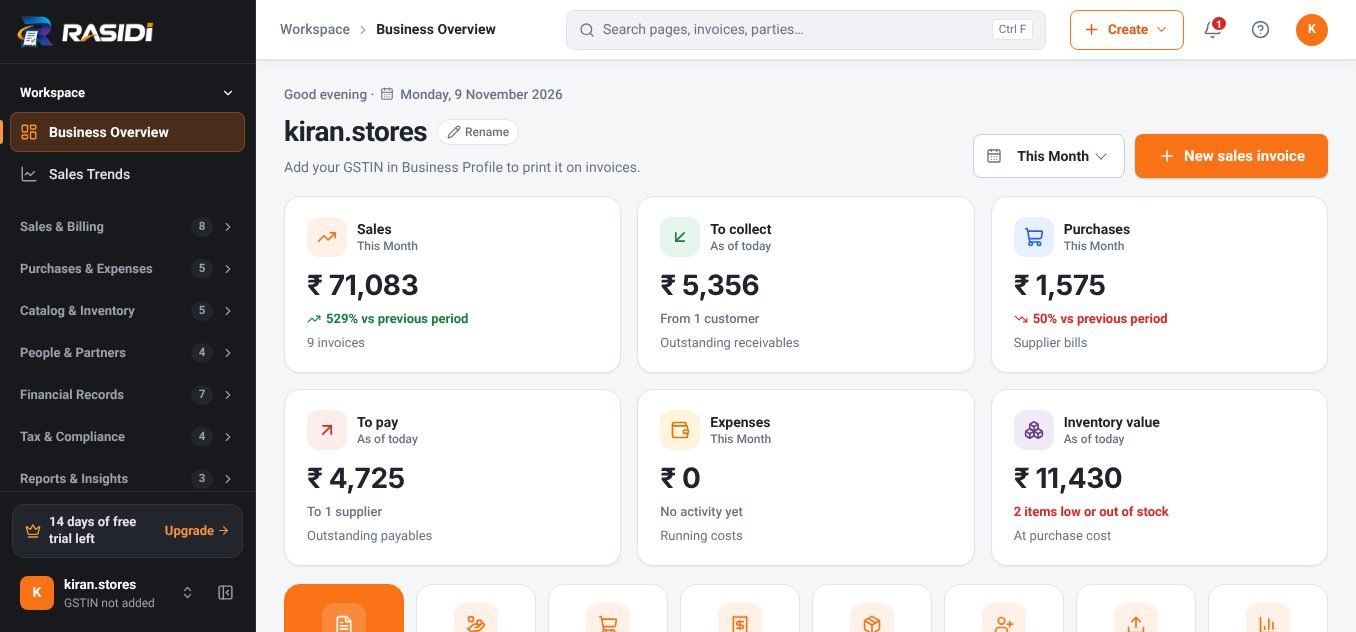
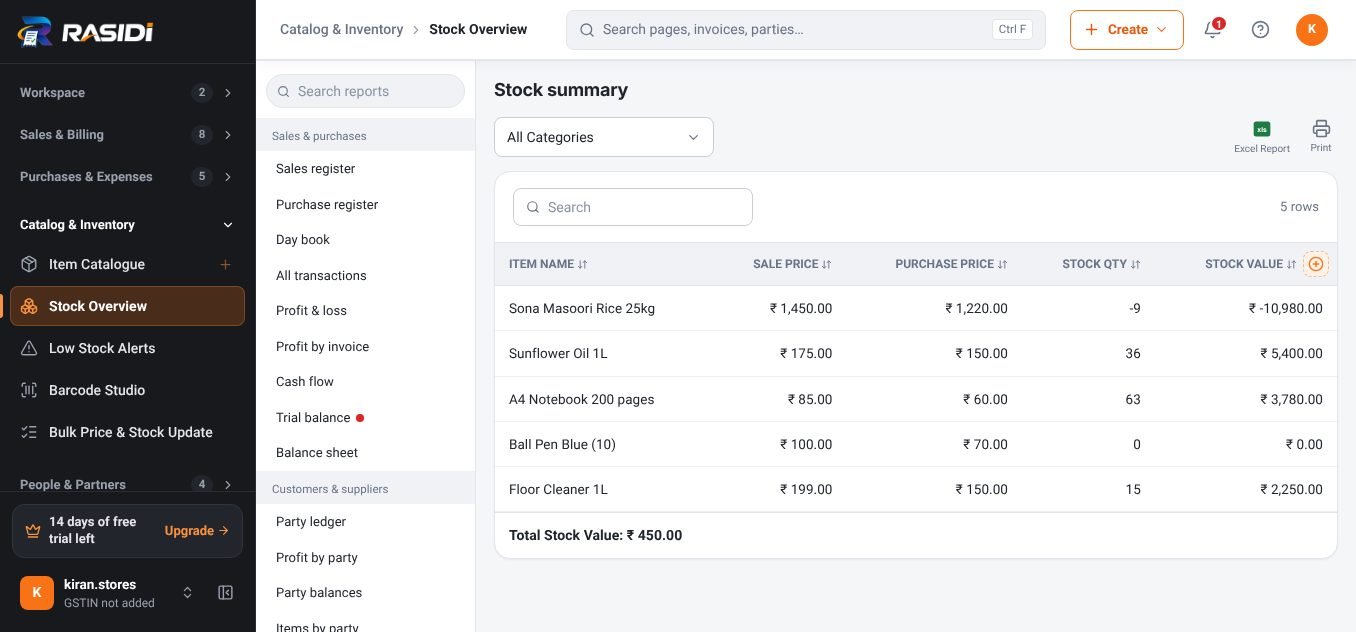
From quotation to paid, in one flow.
Send a professional quotation, turn it into an invoice when the customer agrees, and follow the payment until it lands, every document linked, nothing typed twice.
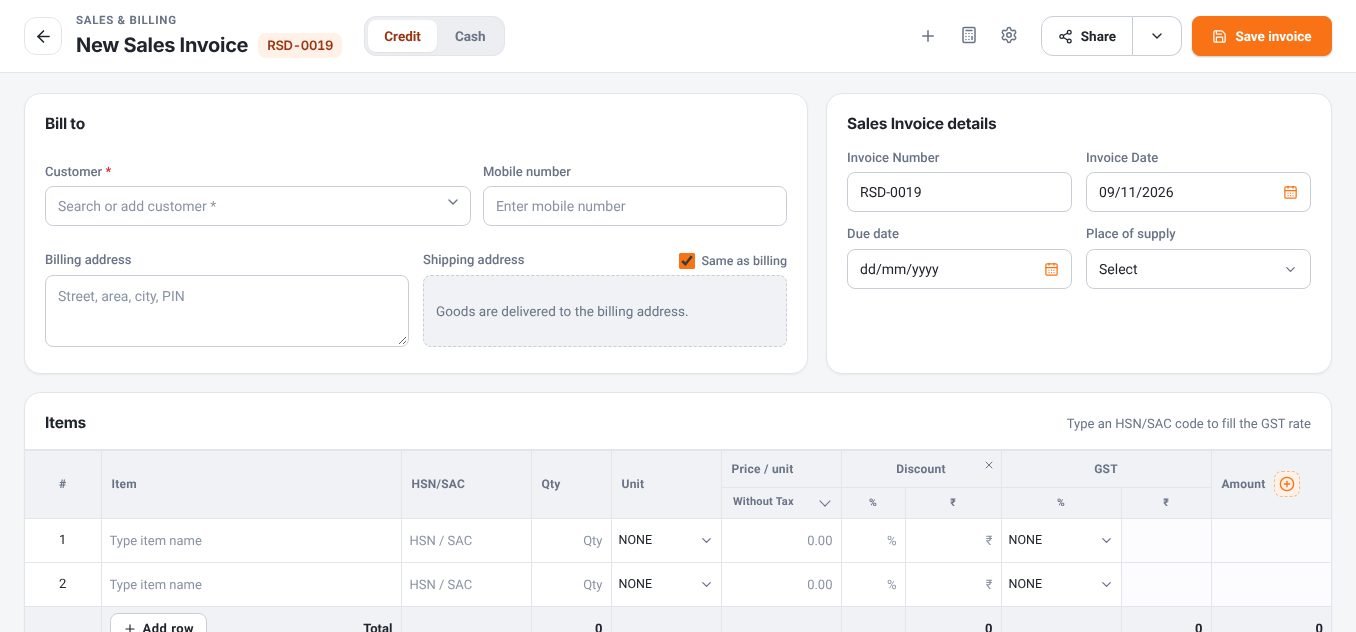
One deal, every document.
- 01
Quotation
Price the job and share it as a PDF. Edit and resend as often as you like.
- 02
Customer order / proforma
Confirm the order or collect an advance with a proforma invoice.
- 03
Delivery challan
Send goods with a challan when the bill comes later.
- 04
Tax invoice
Convert with one click, items, prices and terms carry over.
- 05
Payment receipt
Record full or part payments by cash, UPI, card or cheque.
- 06
Reminder
Send a polite WhatsApp reminder for anything still due.
Invoices that look as good as your work.
Every document type
Quotation, proforma, sale order, delivery challan, tax invoice, credit note and receipt.
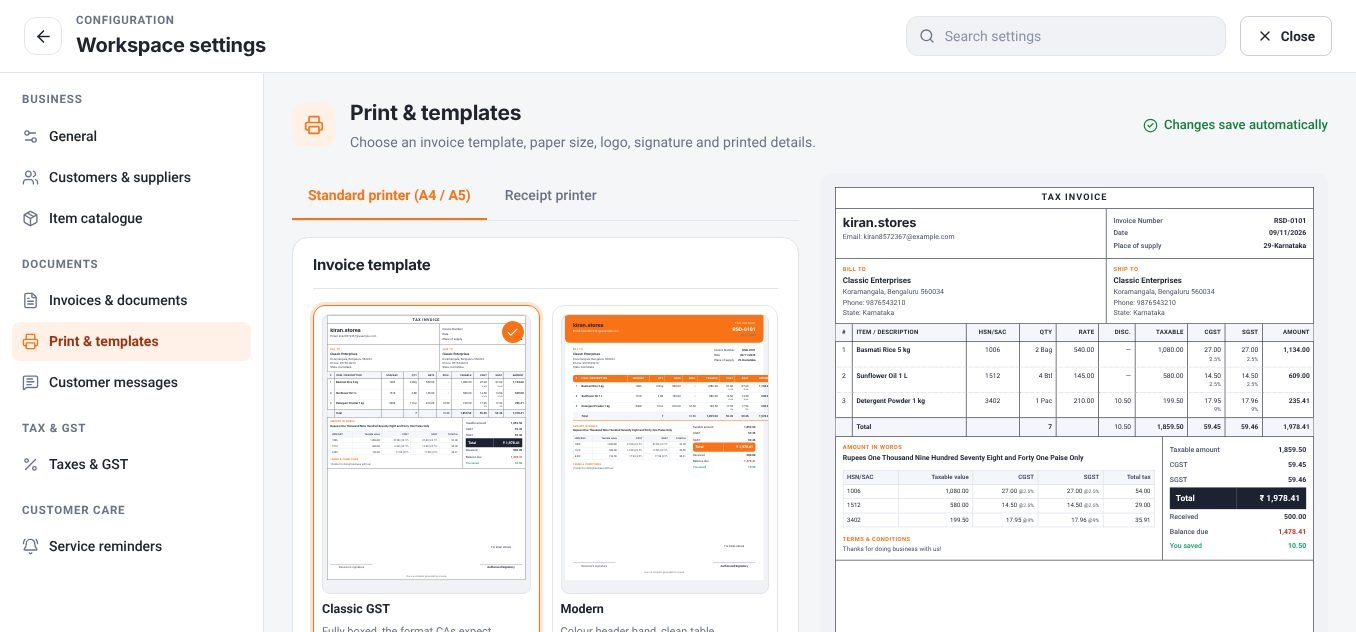
Eight print templates
Classic, Modern, Minimal, Elegant, Bold, Compact, Corporate and Retail.
Your numbering
Prefixes such as RSD-, RSD-EST- or RSD-CN-, or your own series.
Get paid faster
Bank details and a UPI QR printed on the invoice.
Party ledger
Every invoice and payment for a customer on one statement.
Outstanding at a glance
Who owes how much, and since when, sorted for follow-up.
Pick a look, keep it consistent.
Choose a template once in Settings → Print with a live preview. Your logo, signature, terms and colours apply to every document type.
- A4, A5 and 2 thermal sizes
- Show or hide any column
- Signature and stamp
- Save as PDF or print
Questions, answered.
Can I convert a quotation to an invoice?
Yes. Open the quotation and convert it, the items, prices and customer details are copied into a new invoice.
Can I record part payments?
Yes. Record any number of payments against an invoice; the balance due updates each time.
Do invoices show my UPI QR?
Yes, add your UPI ID in bank settings and the QR prints on the invoice.
Can my accountant use the data?
Yes. Export ready-made reports to Excel or PDF, send an Accountant Pack, or move vouchers to Tally with Tally Bridge.
How is my data kept safe?
Your data stays in your own account. Logins are protected, sessions can be signed out from any device, and you can back up to your Google Drive at any time.
Explore more RASIDI software
Ready to simplify your business?
Start free in a few minutes, no card needed. Upgrade only when you need more devices, staff or features.